
Océ ColorWave and PlotWave Toner Finder: Which Toner Fits Your Machine
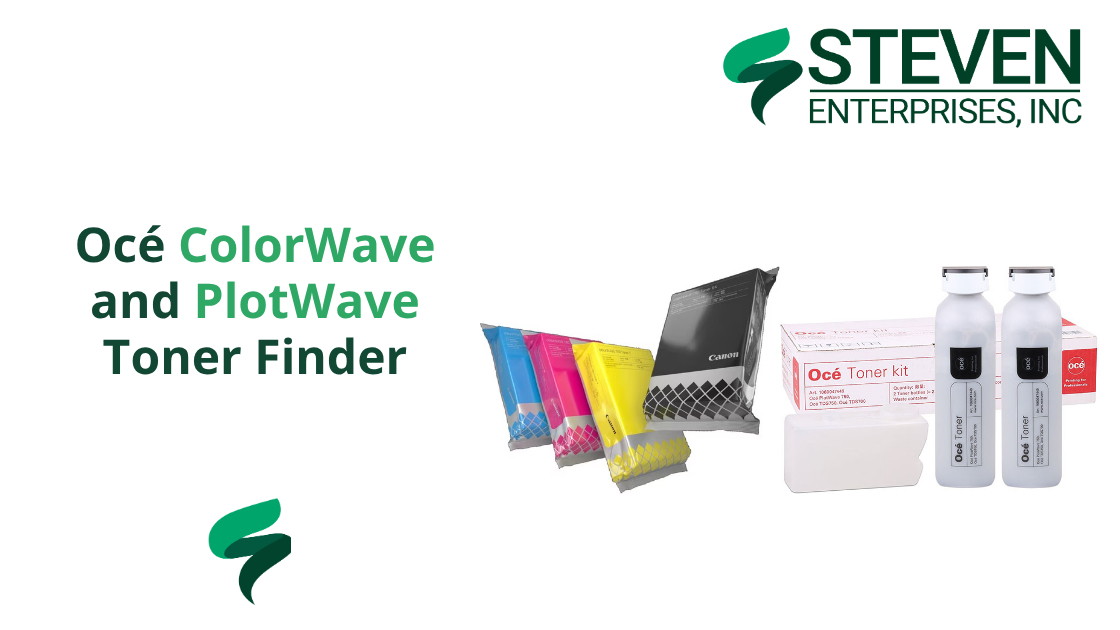
Quick Answer
Match your exact Océ model to the charts below. The ColorWave 3500, 3600 and T60 share one toner set, the ColorWave 3700, 3800 and T65 share another, and most PlotWave models now take the Universal plotWAVE Toner.
Many Océ machines share toners, and several older toners have been phased out and replaced with newer versions. If the toner you’ve always ordered is hard to find, that’s likely why.
At Steven Enterprises, Océ toner is one of our most common online orders. We built these charts to get you to the right product fast.
Océ ColorWave Toner Chart
ColorWave machines use four toners: black, cyan, magenta, and yellow. Find your machine in the left column, then click through to order.
| Your machine | Toner to order | Also compatible |
| ColorWave 3500, 3600, T60 | Black, Cyan, Magenta, Yellow | CW3500 and CW3600 toners |
| ColorWave 3700, 3800, T65 | Black, Cyan, Magenta, Yellow | CW3700 and CW3800 toners |
| ColorWave 3700, 3800, T65 with App+ | Black, Cyan, Magenta, Yellow | CW3700, CW3800, CW3000+, and CW+ toners |
| ColorWave 500 | Black pearls, Cyan pearls, Magenta pearls, Yellow pearls | Call us to confirm |
 A few things to keep in mind:
- The two groups don’t mix. Toner for the 3500, 3600, and T60 won’t work in the 3700, 3800, or T65, and the reverse is also true.
- CW3000+ and CW+ toners are for App+ machines only. They won’t work in the same models without App+.
- Some ColorWave toners are going away. The CW3500 and CW3700 toners have been phased out, and the CW3600, CW3800, and CW3000+ toners will be phased out when stock runs out. The newer T60, T65, and CW+ toners are compatible with the older ones they replace, so you can switch without changing machines.
Océ PlotWave Toner Chart
PlotWave machines print in black only. Most models now take the Universal plotWAVE Toner, which replaced several older toners.
| Your machine | Toner to order | Pack size |
| PlotWave 300, 340, 345, 350, 360, 365, 3×00 | Universal plotWAVE Toner | 2 x 500 g |
| PlotWave 450, 500, 550 | Universal plotWAVE Toner | 2 x 500 g |
| PlotWave T30, T35 | Universal plotWAVE Toner | 2 x 500 g |
| PlotWave T50, T55, 5×00 | T50/T55 Toner | 2 x 500 g |
| PlotWave T75, 7500 | T75 Toner | 2 x 500 g |
 The older toners for the 300 through 550 models came in 400 g or 450 g packs, so the Universal toner also gives you more toner per pack.
Don’t see your machine? Browse every model on our Océ toner page, or call us.
How Do You Find Your Océ Machine Model?
Your model name is usually printed on the front of the machine. If the label is worn or you inherited the printer from someone else, send us what you can see, along with the serial number if you have it, and we’ll confirm the match.
Frequently Asked Questions
Are Océ ColorWave and PlotWave toners interchangeable?
No. ColorWave machines use black, cyan, magenta and yellow toner, while PlotWave machines print in black only and take their own toners.
Can I use T60 toner in a ColorWave 3600?
Yes. The newer T60 toner is compatible with the CW3500 and CW3600 toners it replaces, so you can switch without changing machines.
Does the ColorWave 3800 take the same toner as the ColorWave 3600?
No. Toner for the 3500, 3600 and T60 won’t work in the 3700, 3800 or T65, and the reverse is also true.
What toner does the Océ PlotWave 345 use?
The PlotWave 345 takes the Universal plotWAVE Toner, which also fits the PlotWave 300, 340, 350, 360, 365, 450, 500, 550, T30 and T35.
Why can’t I find the Océ toner I used to order?
Several older Océ toners have been phased out and replaced with newer versions. The CW3500 and CW3700 toners are already gone, and the CW3600, CW3800 and CW3000+ toners will be phased out when stock runs out.
Where do I find my Océ machine model?
The model name is usually printed on the front of the machine. If the label is worn, send us what you can see along with the serial number and we’ll confirm the match.
Need Help Ordering Océ Toner?
Stocking up on media too? Our plotter paper buying guide covers roll widths and core sizes. Weighing toner against ink for your next machine? See our toner vs. ink comparison.
If you run more than one Océ machine or reorder regularly, your account manager can keep track of what each machine takes, so you’re not looking it up every time.
Contact Steven Enterprises or call us at 800-491-8785, and we’ll confirm the right toner for your machine.