Posted on

Top HP Wide Format Printers to Buy in 2025
In 2025, print volumes are declining across many industries due to widespread digitization.

Government offices and municipalities, for example, are shifting paperwork online and printing far less than before. 

With fewer “must-print” pages, buyers in 2025 are prioritizing lower-volume, lower-foot-print devices that still deliver professional speed and security. 

At Steven Enterprises, the five HP wide format printers below are the ones our clients ask for most, organized from highest to moderate volume.

Each blends productivity with a lean cost profile that suits today’s hybrid workflows.

1. HP DesignJet XL 3800 – Fast and Secure Wide Format Printer for High-Productivity Teams

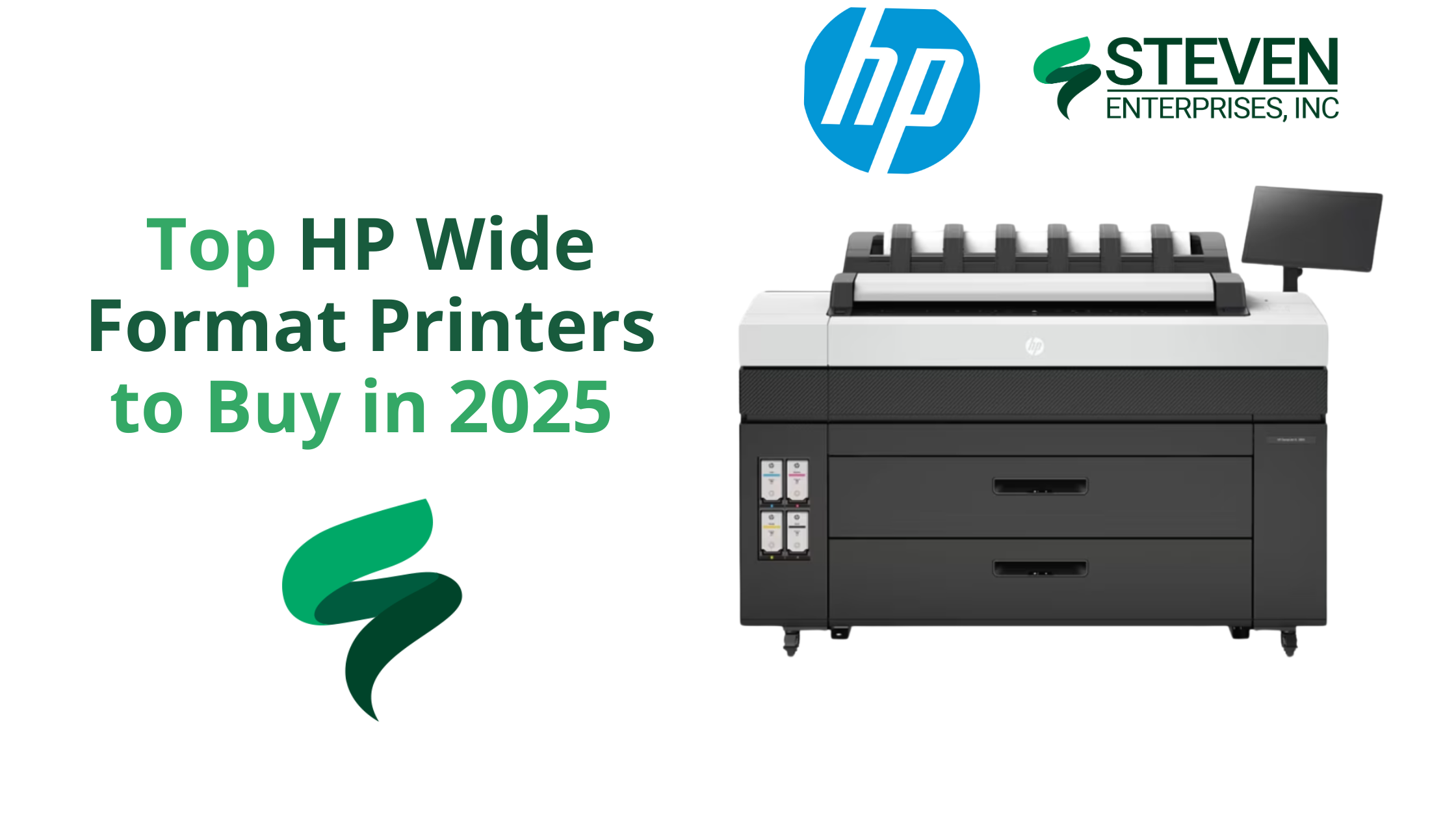
HP DesignJet XL 3800 MFP Wide Format Printer

The HP DesignJet XL 3800 is the fastest color printer in its class, making it ideal for architecture, engineering, and construction (AEC) professionals who need quick turnaround on large-format prints. 

This 36-inch multifunction printer (MFP) produces color and monochrome drawings with exceptional quality, so offices can consolidate into one device for all wide-format needs. It’s designed to keep busy project teams moving efficiently with minimal downtime.

Why Purchase the HP DesignJet XL 3800:

  • Blazing Speed: Delivers up to 6 D/A1-size prints per minute, so large CAD sets or GIS maps are ready in moments. The first page out is as fast as 20 seconds, meaning no long warm-up waits.
  • High Print Quality: Produces excellent line accuracy for CAD drawings and vivid colors for graphics.
  • Integrated Scanner & Workflow: As an MFP, it offers easy one-click copying and scanning from the 15-inch touchscreen panel. This simplifies document workflows by letting you scan markups or copies directly.
  • Top-Tier Security: Protects your network and data with HP’s advanced security features. In fact, HP touts it as “the world’s most secure large-format printer,” with secure boot, user authentication, and other safeguards built in.
  • Space-Saving Design: Despite its capability, the XL 3800 has a compact footprint about 20% smaller than previous generation models. This gives you extra workspace and flexibility in smaller offices.

Learn more about the HP DesignJet XL 3800.

2. HP DesignJet XL 3600 – Compact, Reliable & Low-Cost Operation

HP DesignJet XL 3600 MFP Wide Format Printer

The HP DesignJet XL 3600 is a dependable wide-format MFP built for consistent output in environments that don’t require extremely high print volumes. Its reputation for reliability and low operating costs makes it a go-to choice for offices that value simplicity, efficiency, and steady performance.

It is often praised as “immediate and reliable” – it simply works whenever needed. This printer is an excellent choice for organizations that value low operating costs and dependability over sheer speed. 

It’s particularly well-suited to offices that print a mix of technical documents and need them done right every time.

Why Purchase the HP DesignJet XL 3600:

  • Quick First Print: The HP DesignJet XL 3600 delivers the fastest first-page-out in its class—just 29 seconds for a D-size print—so your team can grab documents on demand and keep projects moving without delays.
  • Low Running Costs: Built for efficiency, the XL 3600 uses less energy and features long-life components to minimize maintenance and lower your total cost of ownership over time.
  • Large Touchscreen & Ease of Use: A generous 15.6-inch touchscreen panel gives easy access to features. Users can print directly from personal or shared network folders and use HP Click software for efficient batch PDF printing.
  • Quiet, Office-Friendly Design: This model has a compact, 30% smaller footprint and quiet operation to fit comfortably in office settings.
  • Rock-Solid Reliability: The XL 3600’s robust design easily handles demanding environments. Features like automatic print stacking (up to 100 pages) and auto media loading make printing hassle-free.

Learn more about the HP DesignJet XL 3600.

3. HP DesignJet XT 950 – Multi-Size Efficiency Wide Format Printer for AEC and GIS

HP DesignJet XT950/ XT950 MFP

The HP DesignJet XT 950 is purpose-built for teams that juggle both large-format and smaller-size prints on a daily basis.

This dual-format flexibility makes it a perfect fit for AEC, GIS, and design offices where switching between full-size plans and reduced check prints is routine.

Why Purchase the HP DesignJet XT 950 Wide Format Printer:

  • Dual-Format Printing: The XT 950 has an integrated input tray for up to 100 half-size sheets (Letter, Tabloid, or A3/B) and an output sorter, allowing mixed-size print jobs in one go.
  • Productive Speed: It prints a D-size page in ~21 seconds (up to 90 D-size prints per hour), which is faster than most competitors in its class. This keeps project workflows moving, even when you have many pages to get through.
  • High Image Quality: HP’s pigment-based Flex Tech Inks ensure high-quality output for both line drawings and graphics. Technical line work comes out sharp and fine details in renders or maps are clear, with ink that resists smudging and water.
  • Simplified Workflow: HP Click software support means you can send multiple files (even a mix of sizes) to print in just a few clicks with a real-print preview.

Learn more about the HP DesignJet XT 950.

4. HP DesignJet T1600 – Precision Printing with High-End Features

HP DesignJet T1600

The HP DesignJet T1600 is a 36-inch plotter that offers high-end precision and advanced workflow features for technical and graphics printing. 

It’s popular among design firms and departments that require sharp detail and robust performance but don’t quite need the ultra-high speed of an XL series. 

The T1600 stands out for its easy PDF printing capabilities and professional output stacking.

Why Purchase the HP DesignJet T1600:

  • Superior Print Accuracy: With six inks (including gray and photo black), the T1600 produces fine line detail and smooth color gradients ideal for CAD drawings, architectural renderings, and posters. It faithfully reproduces complex schematics and color-critical visuals.
  • Fast Throughput: This model can print up to 180 D-size prints per hour (in fast mode). That’s about 3 D-size sheets per minute, enough speed to meet tight deadlines on large drawing sets. It also supports dual-roll configurations, so you can load two different media types or sizes and switch automatically.
  • Easiest PDF Printing: The T1600 features the Adobe PDF Print Engine, allowing it to process complex PDF files natively and accurately. You can send multi-page PDFs directly to print, and with HP Click software, batch printing becomes faster and more streamlined than ever.
  • 100-Page Stacking Tray: One standout feature is the integrated output stacker that neatly collates up to 100 sheets. Prints stack neatly and come out flat, eliminating the mess of scattered pages. This feature is valuable when you’re producing large sets like construction plans or GIS map series.
  • Quiet and Secure Operation: The T1600 is designed for the office – it operates quietly and includes the same HP Wolf Security features for network protection and user access control as other modern HP models.

Learn more about the HP DesignJet T1600.

5. HP DesignJet T850 – Compact CAD/GIS Plotter with Green Credentials

HP DesignJet T850/ T850MFP

Rounding out our list is the HP DesignJet T850, a compact large-format printer built for CAD drawings, maps, and rendering outputs in small offices or remote job sites. 

The HP DesignJet T850 proves that even as printing becomes less frequent, having a dependable in-house printer is still a smart move. 

It gives architects, engineers, and GIS specialists a convenient way to produce high-quality large-format prints only when needed, without overspending on a bigger machine. 

Why Purchase the HP DesignJet T850 Wide Format Printer:

  • Space-Saving, Modern Design: Notably, the T850’s compact 36-inch design seamlessly includes an integrated 50-sheet A3/A4 tray. Thus, it prints half-size sets effortlessly without manual paper switches.
  • Capable Performance: Despite its size, the T850 swiftly outputs D-size drawings in 25 seconds, approximately 90 per hour. Hence, it suits low to mid-volume CAD or poster printing.
  • Excellent Ink Efficiency: Specifically, its pigment-based inks consistently ensure durable, crisp lines and vibrant fills. Moreover, efficient ink use significantly lowers print costs.
  • Mobile and Secure Printing: Similarly, the T850 supports HP Smart app printing, allowing mobile job management. Additionally, HP Wolf Security effectively protects data

Learn more about the HP DesignJet T850.

Optimize Your Print Workflow with an HP Wide Format Printer

As processes go digital, investing in a quality wide-format printer still remains essential for many businesses in 2025 and beyond.

Moreover, the right printer enables you to consistently produce critical, high-quality documents, plans, and presentations as needed.

Not sure which HP wide format printer is right for your organization? Let our team guide you to the right fit. Call 800-491-8785 or fill out this contact form for a personalized sizing analysis. We will help you choose a solution that keeps your work moving and your overhead lean.
Posted on

Reasons to Upgrade to a KIP Large Format Printer

For architects, engineers, and construction (AEC) firms, inconsistent print speeds and high ink costs can disrupt tight deadlines and strain budgets. 

A KIP Large Format Printer offers a solution with its toner-based technology, providing consistent print speeds, reduced operating costs, and features tailored to technical workflows.​

At Steven Enterprises, we’ve observed how KIP printers enhance AEC operations — reducing errors in bids by up to 35% and lowering color printing costs to approximately $0.20 per square foot. 

Our clients often produce over 500 D-size plans per hour, maintaining schedules and budgets.

In this article, we’ll highlight exactly why KIP printers are a great HP DesignJet alternative — and how your team can test one risk-free.

Who Needs a KIP Large Format Printer?

1. DesignJet & OCE Owners

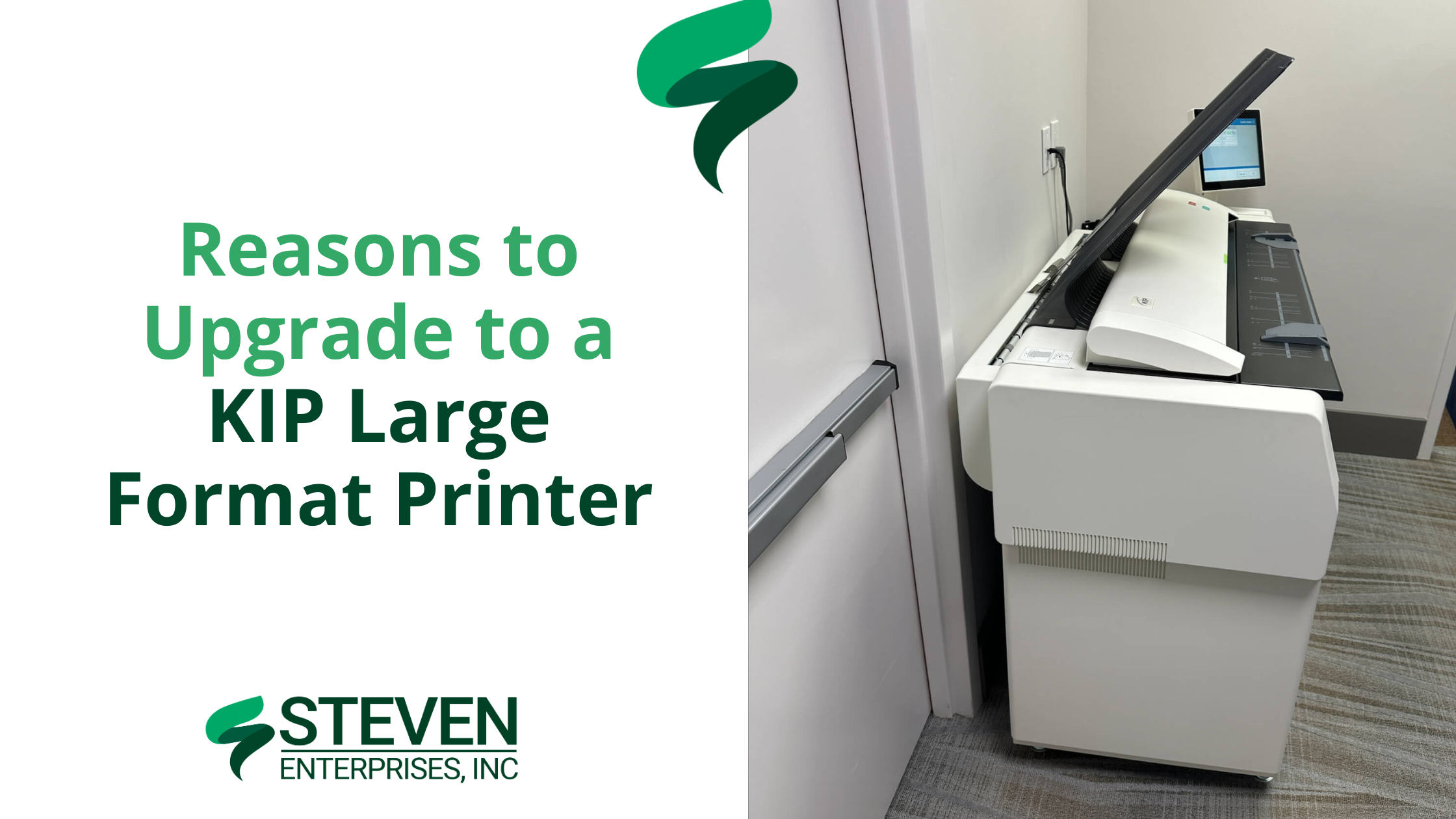
KIP Large Format Printer

Many design and construction teams use inkjet models like the HP DesignJet XL 3600 or older OCE printers. However, these machines slow down significantly with high ink coverage — especially when printing detailed color renderings or redline markups. 

This bottleneck can push deadlines back by days or force teams to break large jobs into multiple smaller batches.

KIP’s toner-based systems maintain 6–20 pages per minute at any coverage. Whether you’re printing simple floor plans or heavily shaded 3D renderings, the speed never wavers. 

Plus, you can print both monochrome and color plans at the same rapid pace without switching devices or sacrificing color altogether.. 

2. Architecture, Engineering, and Construction (AEC) Firms

KIP Large Format Printer

In many architecture, engineering, and construction (AEC) environments, plans are printed in monochrome to save on costs. 

Unfortunately, crucial elements — like electrical, plumbing, and HVAC routes — can blend together without color differentiation, leading to confusion, errors in bids, and costly rework.

KIP printers excel at high-volume, color-accurate output at a fraction of the cost of traditional inkjets. 

By using different colors for each subsystem, redline markups and final plan sets become far clearer. This improves communication among trades, reduces misinterpretation, and helps contractors submit more accurate project bids.

If you’re looking to discover more about multi-roll devices and their benefits, visit our Large Format Printer Solutions page.

3. Organizations Seeking Greater Cost Reduction

KIP Large Format Printer image

Some companies primarily want to lower their ongoing print expenses — whether that’s due to rising ink costs or an uptick in color-coverage needs.

KIP’s toner approach offers a more predictable cost-per-print, especially on color-intensive jobs. 

Firms facing excessive ink usage or ballooning supply expenses often see immediate savings when switching to toner. 

This predictable pricing model helps budget-conscious teams accurately forecast their monthly print expenditures and avoid the frequent cartridge replacements common with inkjets.

KIP’s toner-based approach means more consistent expenditures. Instead of guessing how many ink cartridges you’ll burn through on color-heavy jobs, you pay roughly the same per page.

Why Choose a KIP Large Format Printer over Inkjets?

1. Toner Never Slows Down: Traditional inkjets might slow to a crawl when coverage goes beyond 50% — especially if you’re printing color-intensive renderings. 

KIP printers maintain 6–20 pages per minute no matter how much coverage you’re using. That means no more splitting large jobs into smaller batches.

2. Historically Expensive, Now More Cost-Effective: KIPs used to have a higher price tag compared to standard inkjets. But there has been a big industry shift: the cost of KIPs has come down, while their toner-based approach makes color prints far cheaper than ever before.

Many AEC firms significantly reduce color printing costs with KIP printers, achieving rates as low as $0.20 per square foot, compared to around $1.00 per square foot or more with many inkjets.

3. Perfect for High-Volume Printing: Every KIP model handles 2–4 rolls of media at once and offers built-in scanning. This setup is ideal for firms juggling multiple projects, letting you print technical drawings, color-coded markups, and even foam board or yard signs (with direct-to-board capabilities) from a single device.

How to Test a KIP Large Format Printer Risk-Free

To see how much you could save and how quickly you can print, call us at (800) 491-8785 or fill out our online form to request a personalized KIP demo.

We’ll print your actual plans or designs in real time, so you can see the color accuracy, speed, and cost savings firsthand.

You can ask questions as if you’re standing right in front of the machine. We’ll then mail you the completed prints for review.

It’s a simple, no-pressure way to find out how KIP can transform your printing process — especially if you’re comparing it to an HP DesignJet or older OCE model.

Posted on 1 Comment

How AEC Firms Can Maximize Savings on Large Format Printing Supplies

HP Pagewide Pro 10000, a recommended printer upgrade for cost-effective large format printing

For Architecture and Engineering (AEC) firms, the cost of large format printing supplies can be a significant expense. Ranging anywhere from a couple hundred dollars per month to well into the tens of thousands. 

 However, a little-known fact could change the game: the model of your large format printer directly influences your printer supply costs. 

Lower-model printers often have higher ink costs, whereas higher-model printers can dramatically reduce these expenses.

For most Architecture Engineering (AEC) firms, this calculation is carefully done by a specialized printing expert during their purchase. But as the firm grows and expands, savings could be missed. 

In this blog post, we’ll review examples of how AEC firms can save big on their large format printing supplies if they were to consult a Plotter Expert about trading in their old printer for a higher model. 

The Impact of Large Format Printer Models on Printer Supplies Costs

The large format printers are designed with efficiency in mind: the more advanced the model, the more cost-effective the printing. 

This means that investing in a higher-model printer can lead to substantial savings on ink and other supplies in the long run.

Understanding the Cost Differences

Let’s break down the potential savings through two scenarios within an average-sized AEC firm, highlighting the difference in large format printing supplies costs between lower and higher-level printer models.

Scenario 1: Lower Model Printer = Higher Large Format Printing Supplies Costs

Let’s say your firm decided to buy the HP Z-series printer, which was the more affordable printer at the time. Every month you print roughly 50K prints overall, which is pretty standard for a medium-sized AEC firm.

Since each type of print has a different ink cost, let’s say your AEC firm did the following volume of prints: 

  • 40% low-density prints (20K prints) 
  • 30% mono line prints (15K prints) 
  • 25% color lines (12.5K prints) 
  • 5% high-density prints (2,500 prints) 

= 50K prints per month 

Let’s calculate a rough monthly investment in your large format printing supplies: 

  • 20K low-density prints x $0.2/print = $4000
  • 15K mono line prints x $0.03/print = $450
  • 12.5K color lines x $0.03/print = $375
  • 2.5K high-density prints x $0.46/print = $1,150 

= $5,975 per month in printing supplies

Scenario 2: Higher Model Printer = Lower Large Format Printing Supplies Costs

Now, let’s say you purchased the Pagewide Pro 10,000 to be more aligned with your printing needs (after speaking to a printing specialist, of course). 

In this scenario, your cost for ink will drop significantly because you went with the higher-level printer. Assuming your printing volume stays the same, here’s the new calculation: 

  • 20K low-density prints x $0.019/print = $380
  • 15K mono line prints x $0.0038/print = $57
  • 12.5K color lines x $0.0038/print = $47.5
  • 2.5K high-density prints x $0.054/print = $135

= $619.50 per month in printing supplies

Switching over to the higher model printer could end up saving this business almost $65,000 per year in print supply costs. This means that in a matter of months, this upgrade will be more than paid for!  

Calculating Your Possible Savings on Large Format Printing Supplies 

Many different AEC firms stand to save a ton of money in their monthly expenses if they were to run this calculation for their firm. 

In the examples above, we’re comparing a top-of-the-line model to a lower-level model for a relatively high printing volume to demonstrate the possibilities. 

Broadly speaking, AEC firms spending around $5,000 monthly on printer supplies (or printing about 10K square feet per month) could see significant savings by upgrading their printers. 

Want to see how much you can save? Make a copy of our Ink Costs Calculator to input your printing volume and see your monthly & annual savings. 

The Added Benefits of Upgrading Your Printer

Upgrading your printer is not just about saving on supplies. Newer models often require less maintenance, use ink more efficiently, and can enhance your team’s productivity by reducing downtime.

Print shops, architecture firms, and engineering firms who bought their printers over 3 years ago now likely have way better printer models they could be using.  

Ask yourself: What could this increase in productivity and efficiency mean for your firm? 

Printer Upgrades We Commonly Recommend

At Steven Enterprises, we understand the true cost of ownership extends beyond the initial purchase. This is why we provide unprecedented value in our comprehensive plotter maintenance & supplies offers post-purchase.

The HP Pagewide series, for instance, offers larger ink cartridges the higher model you buy, resulting in fewer replacements and more savings. For example, the newer inks are coming in 1-5 liter ink cartridges vs. 775ml in the older models. This means the ink cartridge is 5x larger than before, adding up to significant savings if your firm is printing the right volume. 

Get a Free Plotter Consultation with a Printing Expert

Understanding the specific needs and printing volume of your firm is crucial in choosing the right printer model. 

Our printer equipment specialists are here to guide you through this process, ensuring you invest in a printer that not only meets your current needs but also provides significant long-term savings.

Ready to explore how much you could save with a printer upgrade? 

Contact us for a personalized consultation and discover the most cost-effective solutions for your AEC firm.

Either fill out this form or speak to an expert right away by calling 800-491-8785.